
Who manages the content managers?
When we build a CMS, we focus on content: pages that match the design, blocks that let editors turn a marketing brief into a website. Between the people making the content and the people building the system, the dullest word in the acronym goes missing — Management. The features our framework ships with go a long way, but no tool substitutes for the organizational decisions that make it effective.
That gap only appears later. Once real content is live, we start to see how editors actually use what we built, and, as with any software, they rarely behave the way we expected. Maintaining a CMS means constantly challenging those assumptions and adapting the system to what editors and the organization actually need.
This talk is about what broke and what we did about it, on a multi-language website read by millions of people around the world.
Pointing an agent at your database and asking for a report is easy now: every image with no description, every page stuck in draft for months. The hard part is sorting the findings into three piles: what you fix in code, what you fix by changing how the team works, and what needs a person to be responsible for an area of the CMS. For each area of a large Wagtail install, we'll cover what was wrong, what we changed in the code, and what the code couldn't solve.
In a library of about 1,000 images, most had no description to use as alt text, most were untagged, half had a title that was just the uploaded filename, and a fifth were exact duplicates. That's the result of using Wagtail's default behavior plus an undefined upload workflow, not careless editors. In code, we made images impossible to save unless they met the organization's standards. Outside it, we introduced a tagging system that made classification and asset management possible at all.
Wagtail's Editor and Moderator groups don't cover the responsibilities a real content team divides between people. We'll walk through the groups and permissions model we proposed, so that editors only reach the parts of the CMS they should.
Unpublished translations and drafts abandoned mid-review accumulate deep in the page tree, where nobody sees them. We extended Wagtail Localize to make pages' translations and draft states visible at a glance.
Component docs get ignored when they live somewhere editors don't work. We moved ours to where editors already are, added a CMS changelog so new features get noticed, and learned what does and doesn't work in training material for a non-technical audience.
The question that ended every one of these pieces of work was not how to build something, but who would own it in six months. We'll say which of our answers held up, and which stopped working the moment the person driving them moved on.
Takeaways
- How to tell which CMS content problems are worth fixing in code (validation, required fields, reporting) and which are process problems that code will only hide.
- Wagtail-level fixes for common ones: image metadata, translatable images, stale-draft visibility.
- A group-and-permissions model you can adapt, and how to keep it accurate as people join and leave.
- Why content problems that look like editor mistakes are usually missing ownership, and what to do differently once you see them that way.
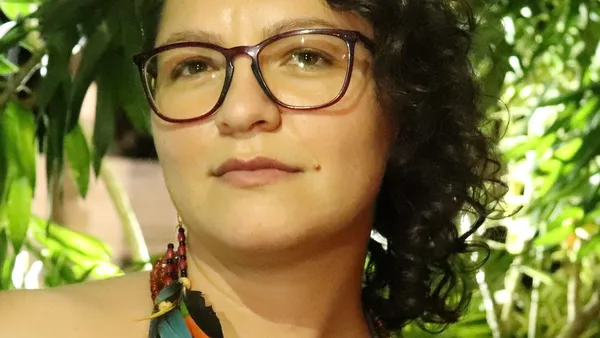
About Mariana
Mariana is a full-stack developer who's passionate about coding and learning new life skills, whatever they might be. She has helped organize a regional Python conference in Brazil and given talks at national and international conferences.
Her primary focus is Python/Django, but she also enjoys front-end web development (JavaScript, HTML, CSS). She especially enjoys working with data, from databases to visualization.